How to Get Any YouTube Video Transcript in Seconds
Have you ever watched a YouTube video and wished you had the text for notes, a blog post, or even AI summarization? You don’t need any third-party apps or expensive software. You can easily access and use YouTube transcripts directly. Here’s a complete guide on how to get any YouTube video transcript quickly.
Accessing the Official YouTube Transcript
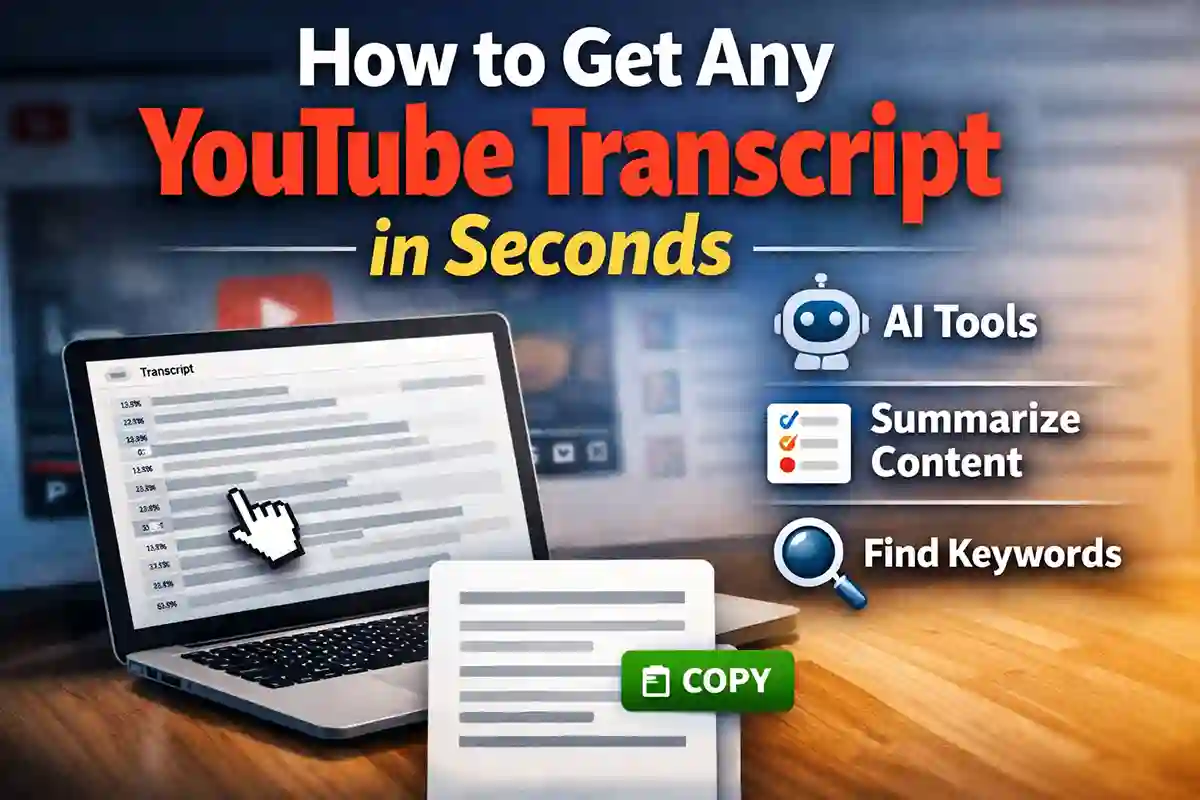
YouTube has a built-in feature that allows you to grab the full text of any video. To access it, scroll to the bottom of the video description and look for the option to show the transcript. Once opened, you can scroll through the text or click on any line to jump directly to that moment in the video. This makes it easy to follow along or find specific parts quickly.
You can also copy and paste the transcript into any document for personal use, whether it’s for studying, creating content, or summarizing videos for later reference.
Learn more: How to Rank Number 1 on YouTube Using Free AI Tools
Cleaning Up Your Transcript
Sometimes, YouTube transcripts include timestamps that can make the text look messy. If you want a clean version, you can follow this simple workflow. Copy the transcript text from YouTube and paste it into your preferred AI assistant, such as ChatGPT or Gemini.
You can then use a prompt like, “Please remove all timestamps from this text and format it into clean paragraphs.” This will give you a neatly formatted transcript that is easy to read and ready to use for notes, blog posts, or other content projects.
Using YouTube’s New “Ask” Feature
YouTube is constantly evolving, and its new “Ask” feature makes it more interactive than ever. This feature allows you to interact with content directly, saving you time and effort.
You can use it to get a quick summary of long videos, turn content into a blog post draft, or identify the exact timestamp where a specific word or phrase is mentioned. This makes watching and using videos much more productive.
Keep in mind that the “Ask” feature is currently rolling out, so you need to be signed into your YouTube account to see and use it.
Conclusion
Getting YouTube transcripts has never been easier. With the official transcript feature and the new “Ask” tool, you can quickly extract, clean, and repurpose video content for your notes, blog posts, or AI projects. These simple steps save time and make it easier to get the most out of every video you watch.